Properties & units
Add your buildings and units once, and track each unit's status: rented or vacant.
Lease and rent management for property owners and tenants: payment schedules, reminders before and after due dates, two-sided payment confirmation, receipts, and maintenance — in one app.
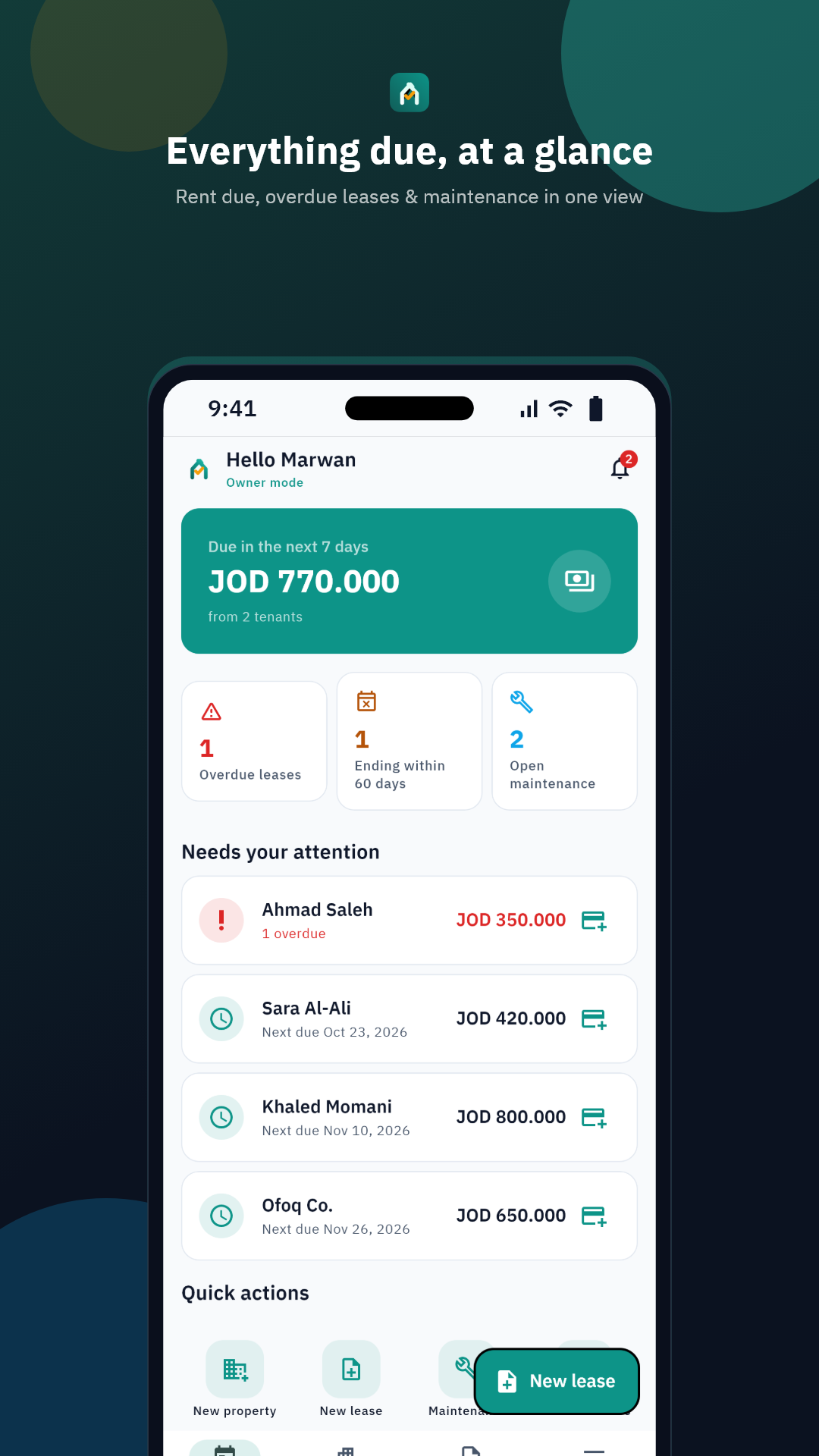
From property to receipt — the whole rent cycle in one app.
Add your buildings and units once, and track each unit's status: rented or vacant.
Create a lease and get a full payment schedule instantly — monthly, quarterly, or yearly, with a pro-rated final installment, deposit, and late fees.
Tenants get reminded before rent is due and when it's overdue — via push and email, plus one-tap WhatsApp sharing.
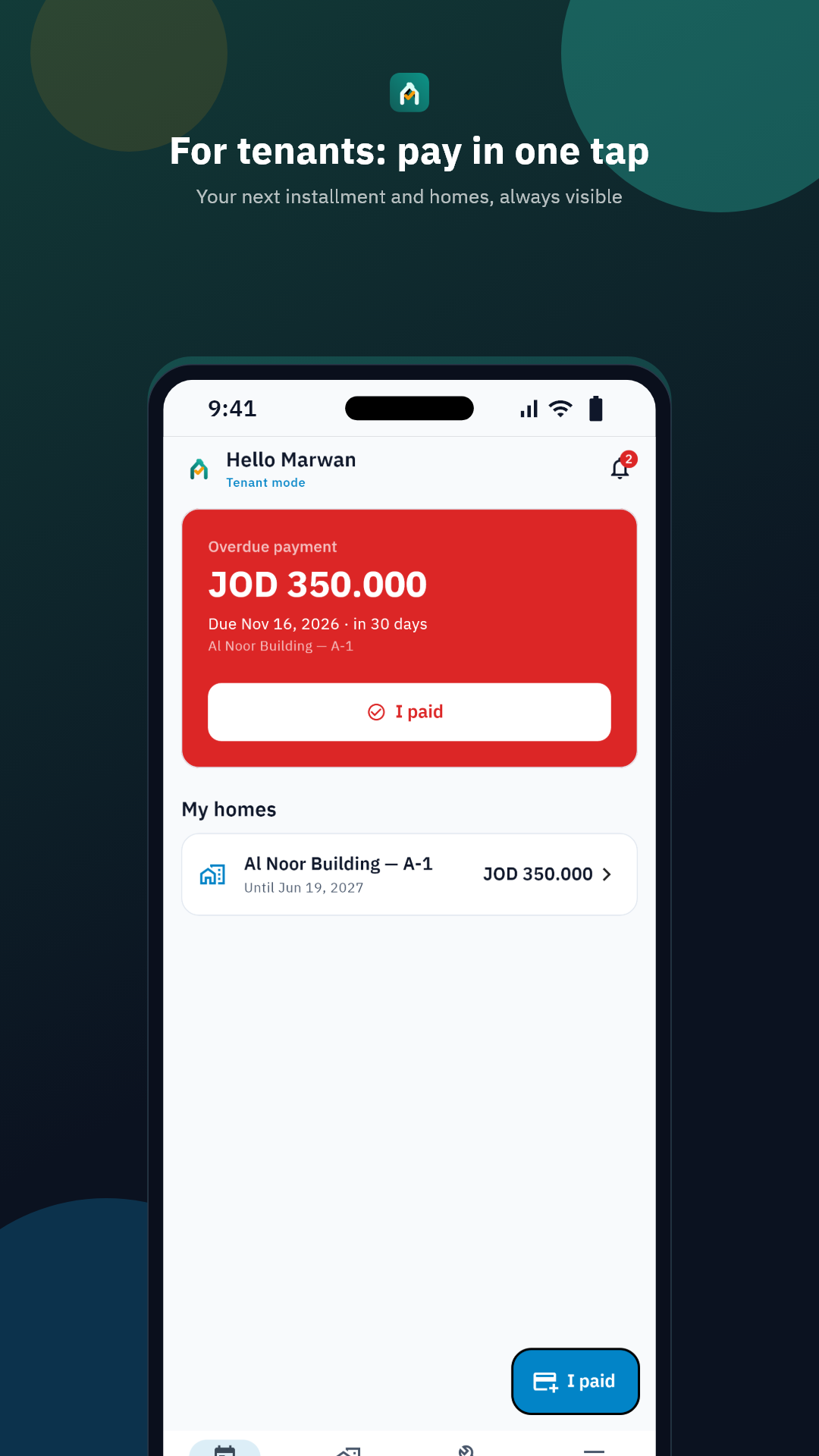
The tenant marks “I paid”, the owner confirms — and a shareable PDF receipt is issued instantly.
Tenants open requests with photos, and both sides follow the status until it's resolved.
Delegate managers per property to follow leases and payments — permissions stay under your control.
Three steps, then it runs itself.
Register the building and its units with their details — once.
Set the rent and term; the full installment schedule is generated in a minute.
Send the invite code — reminders and tracking run automatically from there.
Your lease and installments in your pocket. No calls, no paperwork.
Start free and upgrade as your portfolio grows. Subscriptions are purchased inside the app via the App Store or Google Play — cancel anytime.
المجانية
الأساسية
الاحترافية
الأعمال
Enterprise — contact us.
Your lease data is yours — only the parties to a lease can see it.
Yes. The Free plan covers one property and three units with all the essentials. Paid plans are purchased inside the app via the App Store or Google Play.
Yes — and it is completely free for tenants. They join with the invite code you send, or get linked to their lease automatically when their phone number or email matches.
Any country. Ajarna supports multiple currencies and time zones, and works globally in Arabic and English.
Not yet. WhatsApp sharing is manual for now — one tap inside the app — while push notifications and email reminders are sent automatically.
The tenant taps “I paid”, the owner confirms receipt, and a shareable PDF receipt is issued. Every payment is documented for both sides.
Yes. Inside the app: More → Delete account. You can also export your data at any time before deleting.